The Best PDF Merge and Split Software Alternative in 2025 (Fast, Free & Online)
Managing PDFs has become a daily requirement for individuals, freelancers, and businesses. Whether you’re organizing receipts, preparing a client proposal, or submitting a large application with multiple documents, two tasks stand out as the most essential: merging and splitting PDF files.
Traditionally, users relied on desktop software—heavy applications that needed installation, regular updates, and sometimes expensive subscriptions. But in 2025, things have changed for the better.
Today, you can merge and split PDFs instantly using powerful online tools that require no installation, no login, and no cost.
In this guide, you’ll discover the best way to merge and split PDF files online, why modern users prefer browser-based tools over software, real-life use cases, comparison tables, and why PDFToolkit.com stands out as the best PDF merge and split software alternative.
Let’s dive in.
What is the best PDF merge and split software alternative?
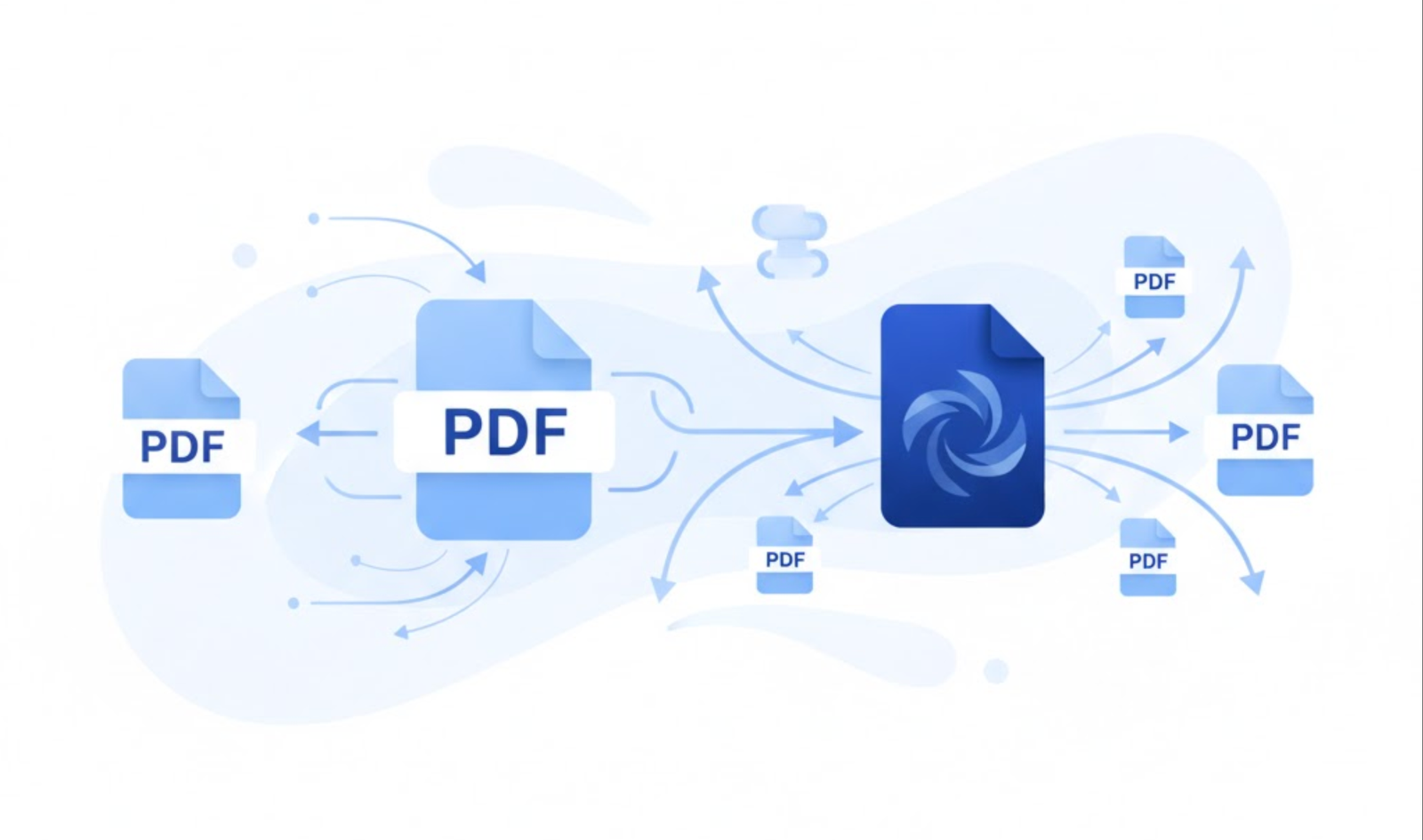
The best alternative to PDF merge and split software is PDFToolkit.com, an online tool that lets you merge and split PDF files for free with no downloads, no login, and unlimited usage. Simply upload your files, rearrange or split them, then download the final PDF instantly.
Why “PDF Merge and Split Software” Is No Longer the Best Option
For years, users depended on desktop applications like Adobe Acrobat, offline PDF editors, and PDF management software. But these solutions come with downsides:
-
Large downloads
-
Expensive yearly subscriptions
-
Slow updates
-
Security risks
-
Limited device compatibility
Most importantly, they’re inconvenient for users who need quick, on-the-go actions.
Today, businesses and individuals prefer online PDF merge and split tools because they’re:
-
Instant
-
Mobile-friendly
-
No installation needed
-
Privacy-safe
-
Cross-platform (Windows, macOS, Linux, Android, iOS)
This growing trend is what makes PDFToolkit.com the clear winner for anyone searching for pdf merge and split software—without the “software.”
What Is PDFToolkit.com? (And Why It’s the Best Software Alternative)
PDFToolkit.com is a fully browser-based PDF management platform that includes:
-
Merge PDF tool
-
Split PDF tool
-
Compression
-
Organize pages
-
Convert tools (PDF to JPG, Word, PPT, etc.)
-
Security tools (protect/unlock)
But for this article, our focus is on the two key features:
1. Merge PDF Files
Combine multiple PDFs into one organized document.
2. Split PDF Files
Separate one PDF into individual pages or select only specific pages.
Why It Beats Traditional PDF Software
PDFToolkit is:
✔ 100% free
✔ No installation required
✔ No login
✔ No watermark
✔ Unlimited use
✔ Doesn’t save your files on the server
✔ Faster than most desktop programs
For anyone searching “pdf merge and split software,” this is the modern, smarter alternative.
How to Merge PDF Files Using PDFToolkit.com
Here’s the simplest step-by-step method:
1. Visit the Merge Tool
Go to: https://pdftoolskit.com/merge_pdf/
2. Upload Your Files
Click Upload Files and select all PDFs you want to merge.
3. Arrange in the Correct Order
Drag and drop to reorder.
4. Click “Merge PDF”
The tool processes everything instantly.
5. Download Your Final PDF
Your merged file is ready — no delays, no signup.
How to Split PDF Files Using PDFToolkit.com
Splitting is equally easy.
1. Visit the Split Tool
Go to https://pdftoolskit.com/split_pdf/
2. Upload Your PDF
One click and the file loads.
3. Select Split Options
You can:
-
Extract specific pages
-
Split every page into individual PDFs
-
Choose page ranges
4. Click “Split PDF”
Processing happens instantly.
5. Download Your New Files
Get clean, separate PDFs with no compression loss.
Real-Life Use Cases for PDF Merge and Split Tasks
These scenarios mirror what real businesses and individuals deal with every day.
Case Study 1: Preparing a Client Proposal (Merge + Split)
A marketing agency needed to create a unified proposal for a corporate client. The documents included:
-
Company profile
-
Scope of work
-
Pricing sheet
-
Certifications
-
NDA agreement
They used PDFToolkit to:
-
Merge all documents into a single proposal
-
Split the NDA section to send separately for signing
The result? A cleaner, more professional client presentation.
Case Study 2: Insurance Documentation (Merge Only)
Insurance companies often require claim documents in one file. A user needed to merge:
-
Physiotherapy receipts
-
Medical reports
-
Bills
-
Payment proofs
PDFToolkit let them combine everything quickly and in the right sequence—helping avoid delays in reimbursement.
Case Study 3: Splitting Large PDFs for Upload Limits
Many government portals allow only small PDF uploads.
Users often split a large 100-page PDF into smaller chunks.
PDFToolkit made this fast and simple without reducing quality.
Problems with Traditional PDF Software (and How PDFToolkit Solves Them)
Let’s compare common frustrations users face with offline software:
❌ Problem 1: Slow installation and setup
Desktop tools require 200MB–1GB downloads.
PDFToolkit fix:
No installation. Opens instantly in any browser.
❌ Problem 2: Files merging in the wrong order
Some software auto-sorts files alphabetically.
PDFToolkit fix:
Simple drag-and-drop ordering.
❌ Problem 3: File size becomes too large
Traditional software often outputs heavy PDFs.
PDFToolkit fix:
Cleaner, optimized output.
❌ Problem 4: Splitting PDFs removes formatting
Cheap offline tools sometimes break structure.
PDFToolkit fix:
Preserves layout and quality.
❌ Problem 5: Paid-only features
Merging/splitting may require a subscription.
PDFToolkit fix:
Everything is 100% free.
❌ Problem 6: Privacy concerns
Installed software may collect usage data.
PDFToolkit fix:
No files stored. No account required.
Why PDFToolkit is the Best Alternative to PDF Merge and Split Software
✔ Fastest online processing
Merging and splitting happens in seconds.
✔ No login, no account, no friction
Perfect for one-time or recurring tasks.
✔ Available on any device
Windows, macOS, Linux, Android, iPhone.
✔ Ideal for personal and business use
Suitable for casual users, freelancers, and companies.
✔ 100% free with unlimited usage
Most “free” software hides features — PDFToolkit does not.
✔ Files are not saved on servers
Essential for legal, medical, or financial documents.
FAQs About PDF Merge and Split Software Alternatives
1. What is the best PDF merge and split software alternative?
PDFToolkit.com — fast, free, secure, and no installation required.
2. Can I merge PDFs online for free?
Yes. PDFToolkit offers unlimited free merges.
3. How do I split a PDF without downloading software?
Upload your file to PDFToolkit, choose the pages you want, and click Split PDF.
4. Is it safe to merge PDFs online?
As long as the platform does not store your files. PDFToolkit deletes files immediately after processing.
5. Can I extract specific pages?
Yes. PDFToolkit allows custom page-range splitting.
6. Will the output PDF retain quality?
Yes — PDFToolkit uses a high-quality rendering engine.
Final Thoughts
In 2025, installing heavy PDF software is no longer necessary. Whether you need to merge or split PDFs, the smartest choice is a fast, secure, browser-based alternative like PDFToolkit.com.
With no installation, no signup, unlimited use, and privacy-first processing, it stands out as the best solution for:
-
Students
-
Freelancers
-
Professionals
-
Agencies
-
Businesses
-
Anyone dealing with PDF-heavy workflows
Try it here:
👉 https://pdftoolskit.com/
Your new go-to PDF merge and split solution — without the software.